


GIT-SSH连接
1、win/linux生成 ssh公钥和私钥
详见服务器-centos-通过密钥认证的方式使用SSH连接远程Linux服务器
ssh -V

ssh-keygen -t rsa

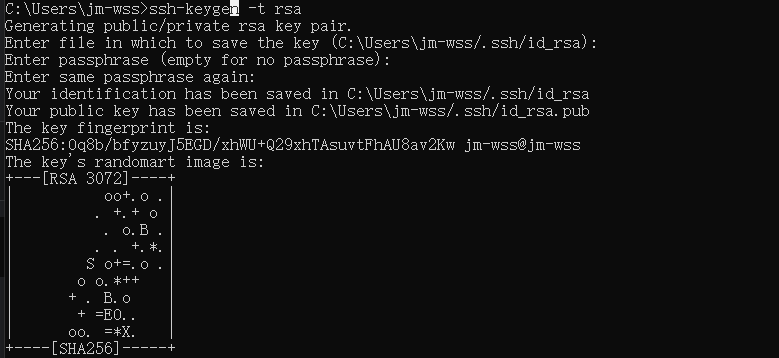

win ssh位置:C:\Users\jm-wss.ssh
Linux ssh位置:/root/.ssh
2、配置GIT仓库ssh密钥
1、复制ssh密钥中的公钥
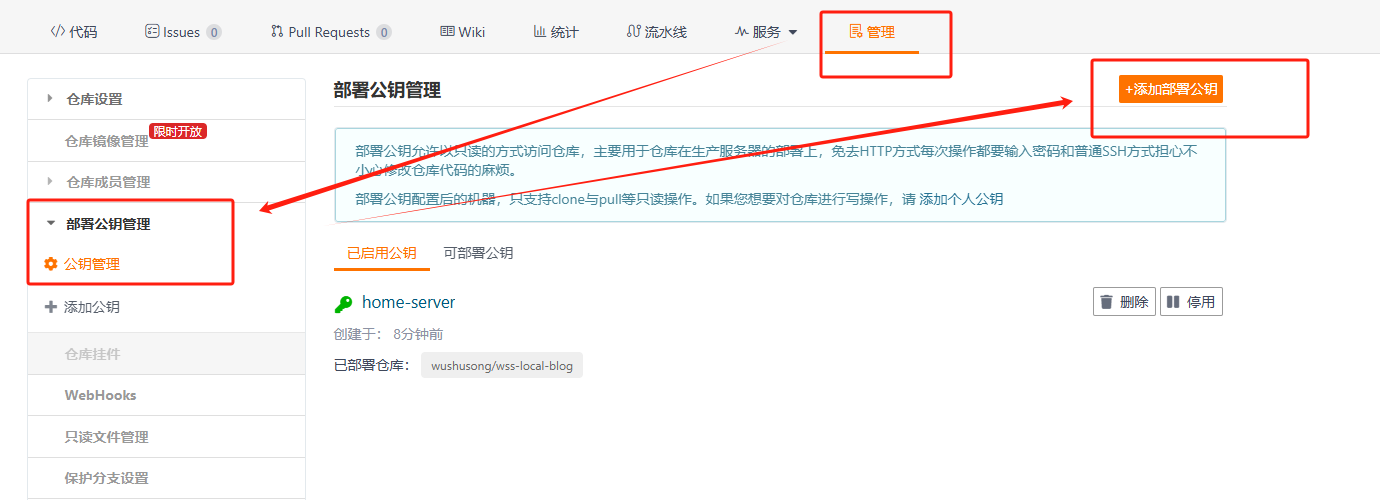
2、配置GIT仓库ssh公钥
将公钥内容,复制到GIT仓库公钥管理中
3、使用
服务器设置GIT远程仓库地址:使用ssh地址
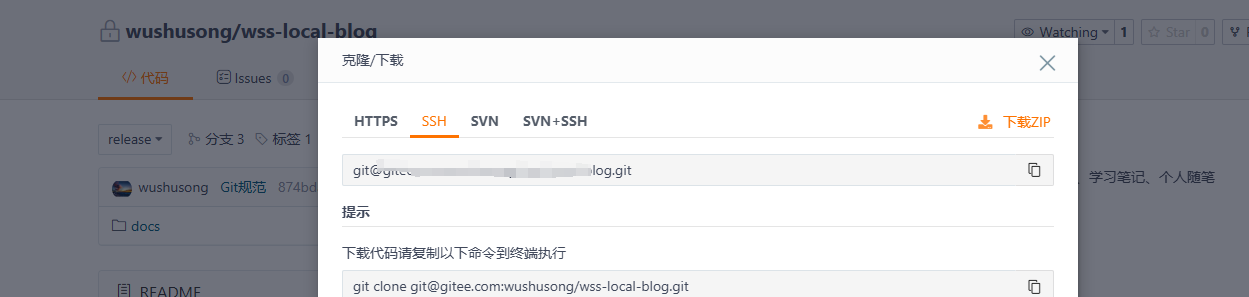
设置/更换GIT远程仓库地址:ssh,详见GIT命令
设置远程地址
git init
git remote add origin https://codeup.aliyun.com/xxxxxxxx/test2.git
更换远程地址
git remote -v
git remote set-url origin https://github.com/newuser/newrepository.git
git remote -v